

 By
By Introduction
Is your phone’s iD touch causing frustration due to its failure to function as expected? Fingerprint recognition is a crucial feature for enhanced smartphone security and ease. However, even this reliable technology can present occasional issues. Addressing these concerns, this guide offers practical, step-by-step solutions to help you get your iD touch working perfectly again.
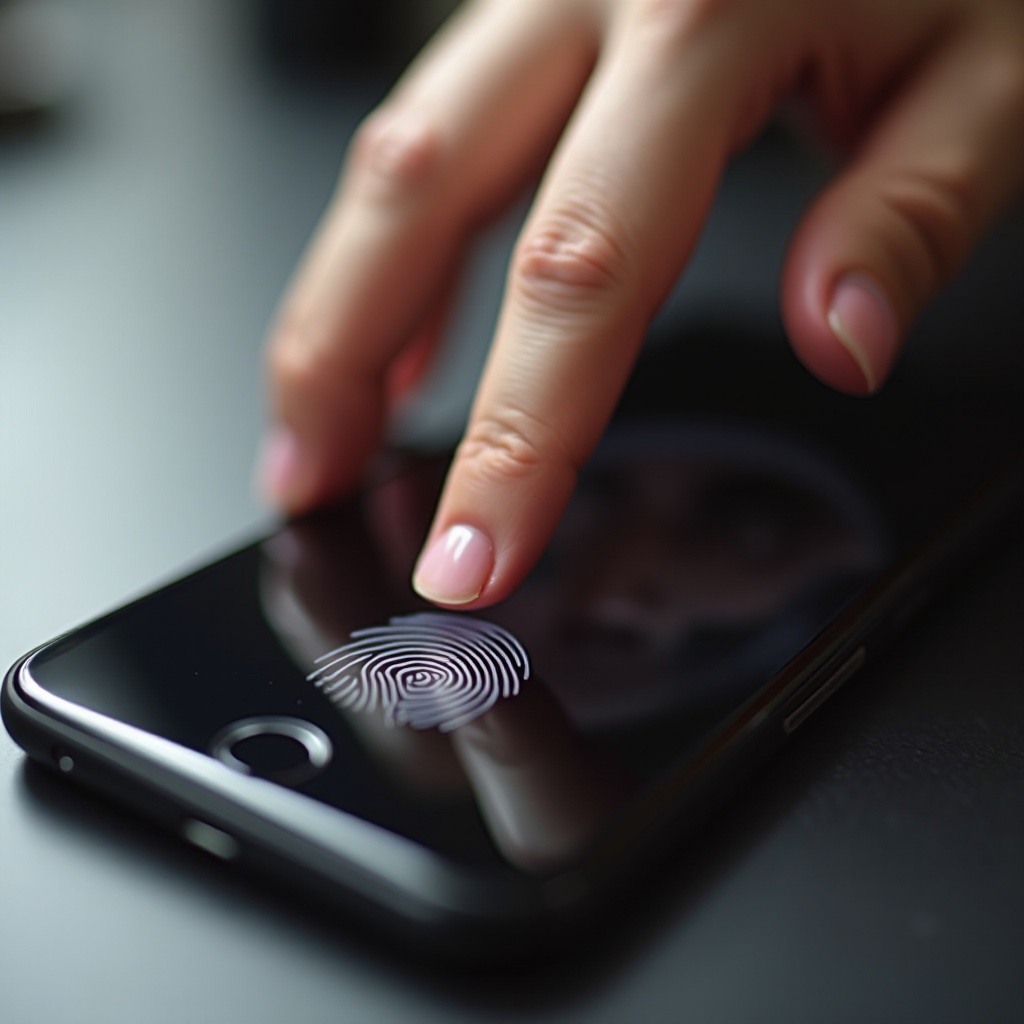
What is iD Touch?
iD touch, or fingerprint recognition technology, is integrated into smartphones to ensure secure, quick access. By scanning and analyzing the unique patterns of your finger, iD touch heightens security and user convenience. Gaining a foundational understanding of how this technology works will equip you with the insights needed to troubleshoot effectively.
Common Reasons for iD Touch Malfunction
Before diving into potential solutions, it’s essential to identify possible reasons your iD touch may be malfunctioning. Various aspects can lead to its dysfunction. Physical debris such as dirt or oil can obstruct the sensor, hindering proper fingerprint reading. Moreover, software glitches, often following updates, might be at fault. On occasion, hardware problems could be contributing factors. Recognizing these common issues helps streamline the troubleshooting process.

Basic Troubleshooting Steps
Begin by applying these straightforward troubleshooting methods:
1. Clean the Sensor and Your Hands: Oils and dirt can interfere with sensor recognition. Use a soft, slightly damp cloth to clean the sensor. Ensure your hands are clean and dry before attempting again.
2. Ensure Proper Finger Placement: Correct placement is crucial. Gently press down with your finger, ensuring full coverage of the sensor.
3. Restart Your Device: A simple restart can often resolve minor software glitches affecting iD touch functionality.
These preliminary steps can quickly resolve many basic operational issues.
Software Solutions for iD Touch Issues
If basic troubleshooting proves insufficient, it’s time to explore software solutions. Software errors are often transient and can be rectified without professional help.
– Check for Operating System Updates: Software updates frequently include bug fixes for biometric recognition issues. Verify that your phone’s OS is current.
– Reset the Touch ID Settings: Head to your settings and re-register your fingerprint. This action can recalibrate and often restore proper functionality.
– Recalibrate the Touch Sensor: Some devices feature calibration options within settings to enhance sensor responsiveness.
These solutions aim to combat software-related malfunctions affecting the iD touch feature.
Advanced Troubleshooting Techniques
If software solutions fall short, further exploration might be necessary.
– Perform a Factory Reset: Consider resetting your phone to factory settings if the issue persists. Remember to backup your data beforehand, as this erases all personal content.
– Contact Customer Support or a Service Center: Persistent issues despite attempts to resolve them may require professional diagnostic work or solutions.
– Replace Hardware Components: Rarely, a hardware issue might necessitate sensor replacement. Professional guidance is advised for this step.
Exploring these advanced techniques ensures you cover potential hardware or deep-rooted software issues impeding iD touch functionality.
Preventing Future iD Touch Problems
To maintain optimal iD touch performance, it’s prudent to engage in preventative measures:
– Regular Cleaning and Maintenance: Regularly clean your sensor to prevent any obstructions.
– Use Protective Accessories: Utilize screen protectors and cases designed to co-exist with fingerprint sensors without obscuring them.
Preventative maintenance is key to ensuring iD touch continues to provide seamless, secure access to your device.

Conclusion
Fixing iD touch issues is often a matter of methodically applying a range of troubleshooting techniques. From basic steps to advanced interventions, these strategies offer comprehensive support for restoring iD touch functionality. Should these solutions remain ineffective, consulting a professional may provide the necessary insight to resolve the problem. With consistent care, your phone’s iD touch should remain a reliable component of your daily life.
Frequently Asked Questions
Why does my iD touch stop working when it’s cold?
Cold can affect your skin’s conductivity, reducing touch sensitivity. Make sure your hands are warm before using iD touch.
Can I use iD touch with a screen protector on?
Yes, as long as the screen protector does not cover the sensor area. Use designed protectors that do not interfere with fingerprint recognition.
What should I do if a factory reset doesn’t fix my iD touch?
If a factory reset fails, it might be due to a hardware issue. Contact support for further evaluation and potential hardware solutions.