

 By
By Introduction
The Samsung Galaxy Watch is a multifunctional smartwatch that combines style with practicality, making it a top choice for tech-savvy individuals. However, as with all electronic devices, the battery doesn’t last forever. Learning how to efficiently replace your watch’s battery will keep it running smoothly and extend its lifespan.
Whether your watch is experiencing performance issues or you are simply tired of constant recharging, this guide will help you navigate everything you need to know. From troubleshooting typical problems to choosing between DIY and professional replacement, we cover it all.

Identifying Battery Issues in Your Samsung Galaxy Watch
It’s important to identify whether your battery is causing the issue before jumping to conclusions about needing a replacement. Here are some indicators your Galaxy Watch may need a new battery:
- Rapid battery depletion: If your watch battery doesn’t last as long as it used to, it might be time for a replacement.
- Charging difficulties: If your watch doesn’t charge consistently or charges very slowly, it could be a sign of battery problems.
- Overheating: A watch that heats up more than usual during charging or use might have a battery issue.
Recognizing these signs early can save you time and unnecessary expenses, ensuring your watch continues to operate at its best.
Troubleshooting Before Opting for Battery Replacement
Before considering a replacement, try these troubleshooting steps to potentially resolve the battery issues you’re facing.
Software Updates and Optimizations
-
Software Upgrade: Check for any available software updates from Samsung, as these often include enhancements that could solve battery drain issues. Keeping your software up to date helps optimize energy usage.
-
Background Apps: Identify and close any apps that are running unnecessarily in the background. These apps can consume substantial battery power.
-
Battery Optimization Mode: Use the watch’s settings to enable battery optimization and power-saving modes, which can help extend battery life when fully charged.
Performing a Factory Reset
If the above steps don’t alleviate the issue, a factory reset may be necessary:
- Backup Data: Make sure to backup any important data saved on your watch.
- Reset Process: To reset your watch:
- Open settings.
- Navigate to ‘General.
- Select ‘Reset’ to restore factory settings.
These methods can often resolve software-related issues and revive your watch’s battery performance.
Step-by-Step Guide to Replacing Your Samsung Galaxy Watch Battery
If troubleshooting doesn’t solve the problem, you may need to replace the battery. Here’s how to do it.
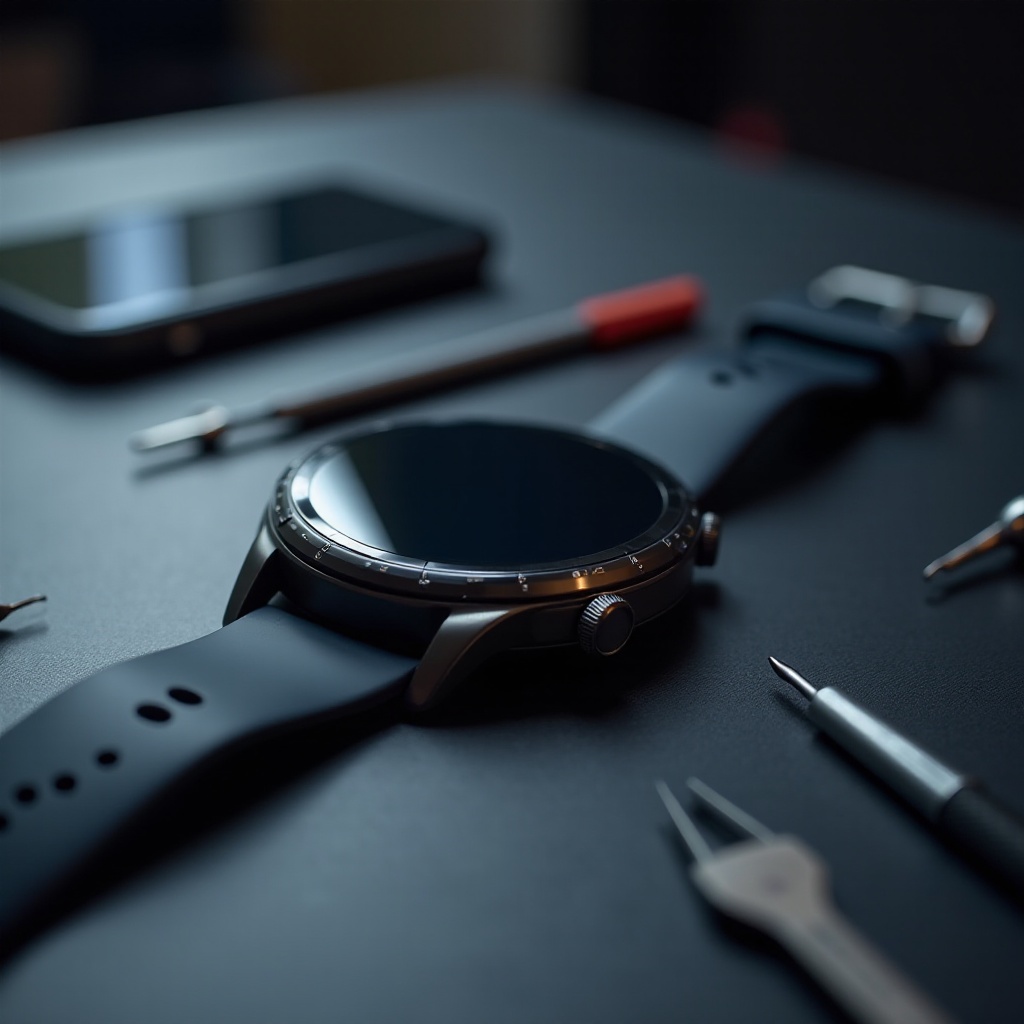
Tools You Will Need
Having the right tools will make the battery replacement process smoother:
- Precision screwdriver set
- Plastic opening tool
- Compatible replacement battery
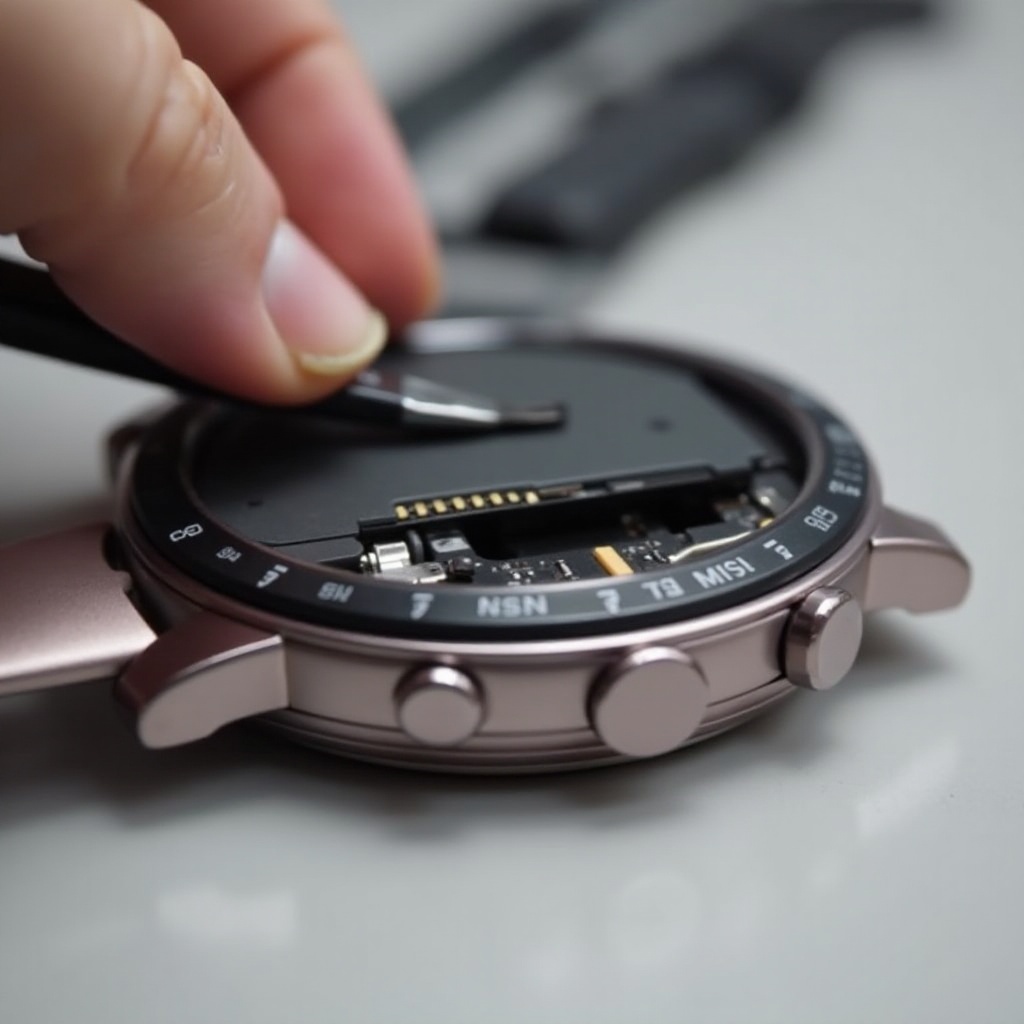
Opening Your Watch Safely
- Secure your watch using a soft cloth to prevent scratches.
- Use the precision screwdriver to remove the screws on the back panel.
- Gently use the plastic opening tool to pry open the back.
Removing and Replacing the Battery
- Disconnect Old Battery: Carefully disconnect the battery connector with an opening tool.
- Install New Battery: Place the new battery, ensuring it connects properly.
- Reassemble the Watch: Reverse the disassembly steps to carefully reattach the back panel and secure it with screws.
This process can seem daunting, but with the right tools and careful handling, replacing your watch’s battery is straightforward.
DIY vs Professional Battery Replacement: Making the Right Choice
Deciding whether to replace the battery yourself or hire a professional depends on several factors and personal preference.
Pros and Cons of DIY Replacement
Pros:
– Cost-Effective: Save money on labor costs.
– Quick Solution: Address the problem immediately if you have the tools.
Cons:
– Risk of Damage: There is a risk of damaging the watch if not done carefully.
– Void Warranty: Performing unauthorized repairs may void any warranty your device has.
Benefits of Professional Services
- Expertise: Professionals have the experience and tools to perform repairs safely and efficiently.
- Convenience: Removes the hassle of performing repair work yourself and provides peace of mind knowing it was done correctly.
Considering these aspects will help you decide the best course of action for your battery replacement needs.
Tips for Maintaining Your New Battery
Once you replace your battery, adopting new habits can ensure its longevity.
Charging Habits
- Avoid Overcharging: Never leave your watch on the charger longer than necessary, especially overnight.
- Partial Charging: Keep battery levels between 20% and 80% to optimize battery health and extend lifespan.
Leveraging Power-Saving Features
- Power Saving Modes: Enable these settings to extend battery life without significantly impacting functionality.
- Adjust Screen Brightness: Lower the brightness levels, especially in low-light conditions, to conserve energy.
By following these maintenance tips, your new battery will last longer and perform better.
Conclusion
Changing your Samsung Galaxy Watch’s battery is an important skill that keeps it functioning optimally. This guide helps you assess when to replace the battery and whether to do it yourself or use professional services. With proper maintenance, you can ensure your smartwatch remains a reliable companion.
Frequently Asked Questions
How often should I replace the battery in my Samsung Galaxy Watch?
Usually, the battery needs replacement every two to three years, depending on usage and maintenance.
Will replacing the battery void my warranty?
DIY battery replacement may void the warranty. It’s best to check the warranty terms with Samsung.
Can I use third-party batteries for replacement?
While possible, using third-party batteries carries risks. Always ensure compatibility and quality to avoid device damage.