

 By
By Introduction
The motherboard is the keystone of your MacBook, ensuring all components speak the same language to deliver the performance you’ve come to expect. For many MacBook users, the functionality of a motherboard may be shrouded in mystery, but understanding this pivotal part of your device can propel you toward better maintenance choices. Dive into this guide to demystify your MacBook’s motherboard, pinpoint prevalent problems, and explore solutions from repairs to upgrades.

What is a MacBook Motherboard?
The MacBook motherboard, known as the logic board, is both its brain and body, orchestrating the seamless operation of all facets of your device. It connects the CPU, GPU, RAM, and myriad other components, forming the circuit through which they communicate efficiently and effectively.
Understanding the Role of the Motherboard
The motherboard is the essential dispatcher of your MacBook, channeling all electrical signals and communications. Its crucial role cannot be overstated: any breakdown here can impede the entire operation of your laptop.
Key Components of a MacBook Motherboard
From the CPU to memory slots, the motherboard’s components are vital. The CPU drives processes, the GPU handles graphics, and memory slots house your MacBook’s RAM. Together, they forge a powerhouse that makes multitasking and high-speed processing possible.
Common Issues with MacBook Motherboards
Though engineered for performance and longevity, MacBook motherboards aren’t immune to issues. Awareness of the early signs of failure is key to maintaining your device’s health.
Signs Your MacBook Motherboard Needs Attention
- Non-responsive power button or unexplained shutdowns.
- Frequent freezing, lag, or system crashes without warning.
- Failure of integral components such as USB ports.
- Display aberrations, such as graphic glitches or lines.
Diagnosing Motherboard-related Problems
Diagnosing motherboard faults requires thorough checks and system tests. Utilities and diagnostic software play crucial roles in confirming whether issues stem from the motherboard or peripheral components. Prompt diagnosis can significantly alleviate potential downtimes or further damage.
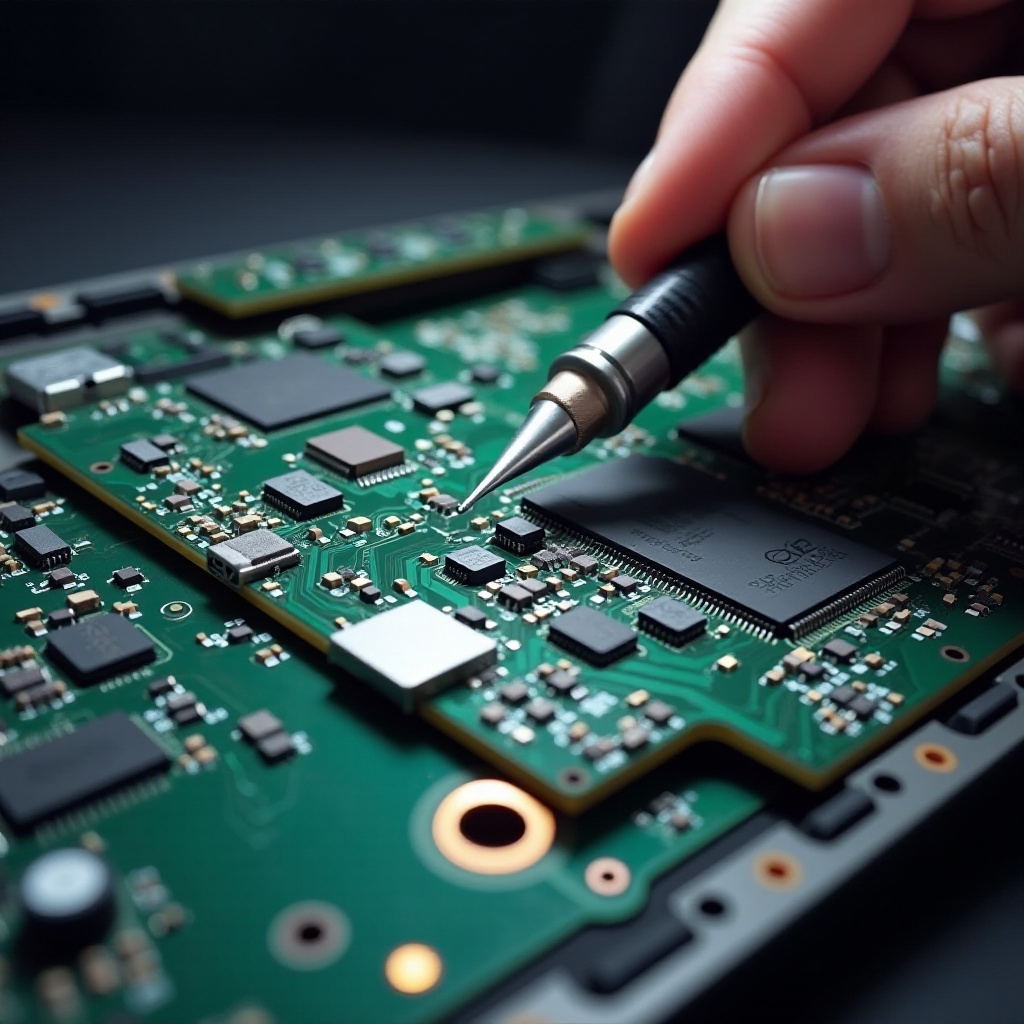
Repairing vs. Replacing Your MacBook Motherboard
Faced with motherboard issues, deciding between repairing and replacing becomes an essential concern. Evaluating the benefits and drawbacks of each path informs prudent decision-making.
Advantages of Repairing
Repairs can be economical, particularly for minor defects. By fixing targeted areas of functionality breakdown, repair extends your motherboard’s service life, keeping your existing configurations with minimal financial strain.
When to Consider Replacement
Replacement becomes necessary when damage is extensive or when upgrades in technology promise substantial gains. A new motherboard might offer enhanced compatibility with future applications, elevating speeds and broadening functionalities, albeit with higher expense.
Choosing the Right Motherboard for Your MacBook
The choice of a new motherboard should be guided by model compatibility and feature alignment. This ensures not only operational consistency but also maximizes future performance potential.
Compatibility Considerations
Compatibility is non-negotiable: your chosen motherboard must align with your MacBook model specifics. Cross-referencing with official resources or consulting experts safeguards against compatibility missteps.
Features to Look For in 2024
The year 2024 brings advancements such as optimized energy efficiency and increased RAM capabilities. Current technology expansions can substantially boost your workflow and secure your device’s relevance amidst evolving demands.
Step-by-Step Guide to Replacing a MacBook Motherboard
Replacing a motherboard requires diligence and precision. This step-by-step guide outlines the crucial actions involved.
- Preparing for the Replacement
- Power off the MacBook and disconnect all attachments.
-
Utilize a static-free workspace and gather essential tools like screwdrivers and pry kits.
-
Removal of the Old Motherboard
- Meticulously unscrew and remove the battery and any connected peripherals.
-
Carefully extract the old motherboard, documenting connections as necessary.
-
Installing the New Motherboard
- Place the new motherboard securely and fasten the screws.
- Reconnect cables and the battery, ensuring firm, accurate connections throughout the system.
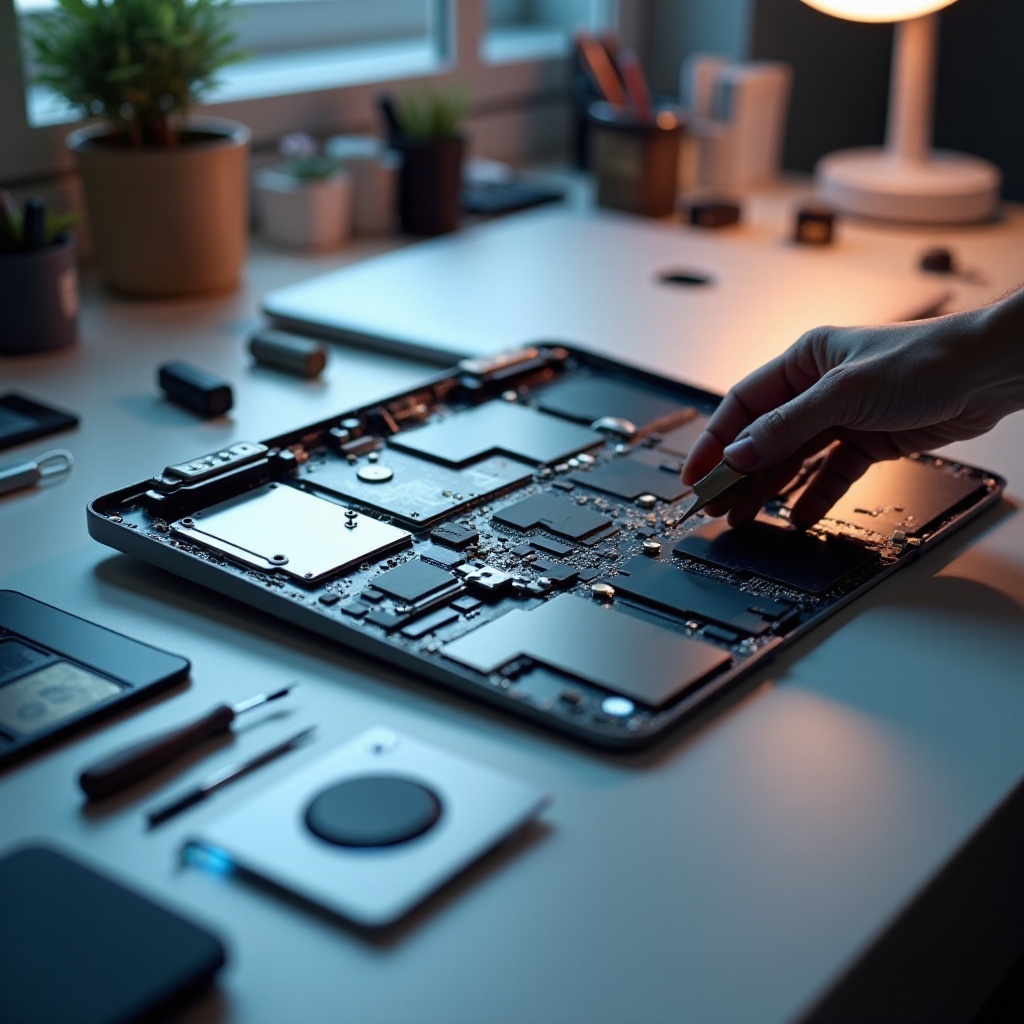
Maintenance Tips for Prolonging Motherboard Life
Routine upkeep is critical for extending motherboard longevity. Implement regular updates and perform periodic cleanings to combat dust accumulation, which can cause overheating. Protect your device from physical impacts with a robust case, and avoid liquid exposure at all costs.
Conclusion
Understanding your MacBook’s motherboard is a cornerstone of maintaining peak performance. This comprehensive guide offers insights into common issues, aids in repair versus replace decisions, and provides thoughtful maintenance tips. Adopt proactive measures today to ensure your MacBook’s ongoing reliability and efficiency.
Frequently Asked Questions
How can I tell if my MacBook motherboard is failing?
Symptoms include failure to power on, unexpected shutdowns, and hardware malfunctions.
Is it worth upgrading my MacBook motherboard in 2024?
Upgrade for modern features and improved performance, potentially enhancing efficiency and capacity.
Can I replace a MacBook motherboard myself, or do I need a professional?
Replacement requires technical skills; consulting a professional is recommended for those inexperienced.