

 By
Introduction
JBL’s Bluetooth speakers are celebrated for their exceptional sound quality and user-friendly design. Whether you’re an audiophile or new to tech, connecting these speakers is essential for a superior listening experience. This guide will simplify the pairing process and ensure a hassle-free connection with your smartphone, tablet, or computer. Let’s dive into the details and explore solutions for common issues, making your JBL experience seamless and enjoyable.
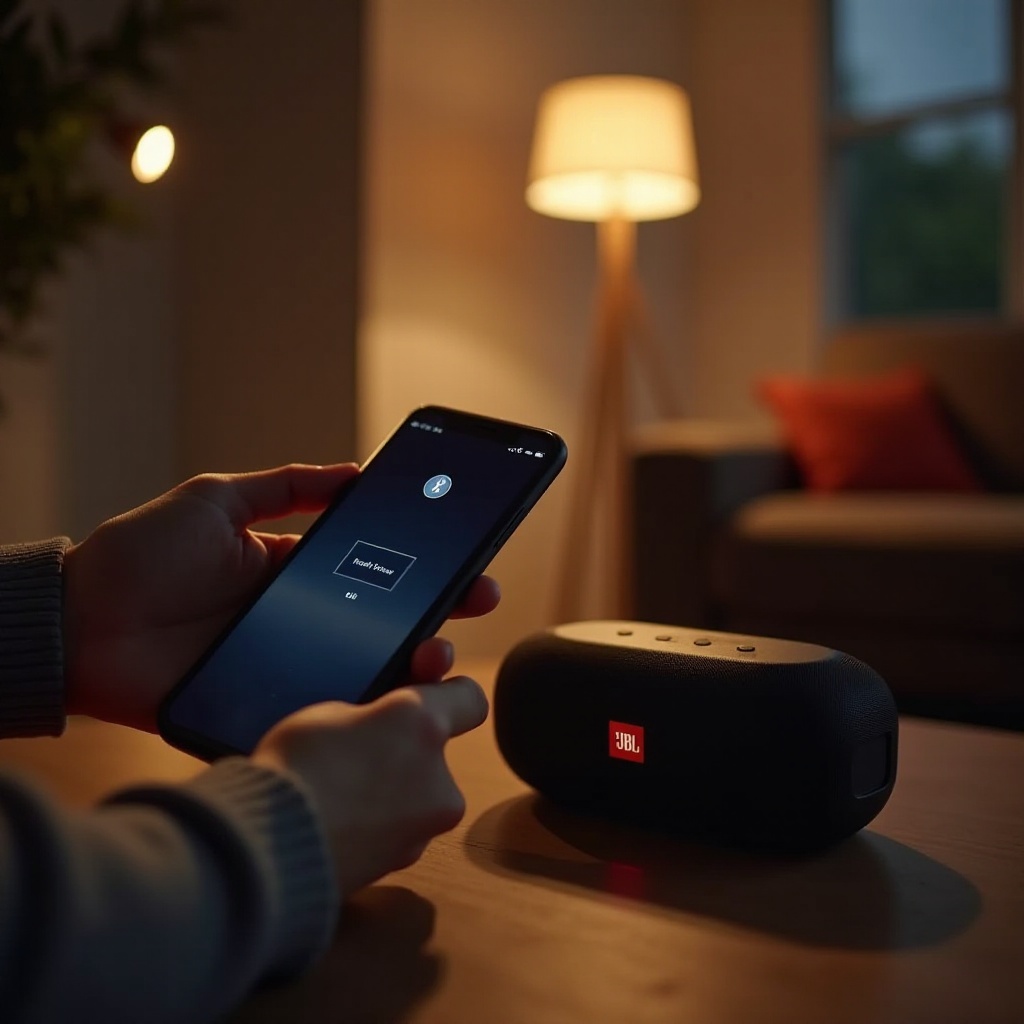
Understanding JBL Bluetooth Speakers
JBL has carved a niche in audio technology, becoming synonymous with top-notch Bluetooth speakers. Known for their durability and impressive sound quality, these devices are equipped with features like portability, waterproofing, and extended battery life. Understanding these features will help you optimize your speaker’s performance. Ensuring you know what your JBL speaker offers will prepare you to maximize its potential as we proceed to the pairing process.
Preparation Steps Before Pairing
Before initiating the pairing process, it’s important to confirm your JBL speaker is adequately charged—this ensures uninterrupted performance. Verify your device’s Bluetooth compatibility with the speaker, and update your device’s software and firmware to prevent connection issues. Equipped with these preliminary steps, you’re now prepared to effortlessly pair your JBL Bluetooth speaker with your chosen device.
How to Pair Your JBL Bluetooth Speaker
- Press the power button on your JBL speaker to turn it on. You’ll notice a light that indicates the power is on.
- To activate pairing mode, hold the dedicated Bluetooth button on the speaker until a flashing light or sound confirms its readiness.
- Toggle the Bluetooth function on your device by navigating to the Bluetooth settings and enabling it.
- Look for available devices within the Bluetooth settings on your device. Locate your JBL speaker in the list and connect to it. Upon successful pairing, a sound or stable light on the speaker will confirm the connection.
Though the connection process is straightforward, issues can arise. Let’s address common challenges and their solutions.
Troubleshooting Common Pairing Issues
Technology isn’t always flawless. Here are strategies to troubleshoot common issues:
- If your device isn’t detecting the speaker, ensure the speaker is in pairing mode. Attempt to reconnect by switching your device’s Bluetooth off and then back on.
- Interference from other electronics can disrupt connections. Make sure the speaker and device are near each other while attempting to reconnect.
- Audio quality after pairing may degrade if the battery is low. Verify your speaker’s charge and remove any obstructions between the speaker and device.
Resolving these problems can enhance your listening experience. With a stable connection, exploring advanced features maximizes your speaker’s utility.
Advanced Tips for Using JBL Speakers
To fully enjoy your JBL speaker, consider the following suggestions:
– Extend battery life by lowering the volume when high levels aren’t needed. Regularly charging the speaker also ensures long-term performance.
– Expand your soundscape by linking multiple JBL speakers. Many models support this through apps or built-in functions, creating an immersive experience.
– JBL speakers often integrate with voice assistants. Use them to streamline your smart home setup for added convenience.
Harnessing these advanced features elevates your speaker’s functionality and enhances enjoyment. After exploring these tips, you’ll discover the versatility and reliability of JBL speakers suitable for any scenario.
Conclusion
Pairing your JBL Bluetooth speaker is straightforward and opens doors to unparalleled audio quality. With this comprehensive guide encompassing step-by-step instructions, preparation, and troubleshooting, you’re prepared to enjoy a seamless connection. Take full advantage of your JBL speaker’s features and enhance your overall audio experience by embracing these new possibilities.
Frequently Asked Questions
Why won’t my JBL speaker enter pairing mode?
Ensure your speaker is fully charged and hold the Bluetooth button until the light or sound indicates pairing mode.
Can I pair multiple devices to my JBL speaker at the same time?
Typically, JBL speakers retain memory of paired devices but can only actively connect to one device at a time.
How do I reset my JBL Bluetooth speaker?
Turn on the speaker, then press and hold the volume up and Bluetooth buttons simultaneously until it turns off, resetting to factory settings.